Upload your MyCAREER screenshots. We read your stats, cut out your player, and lay it all onto a proper card — front and back. A person checks every number before it's sent. Free, no catch — this is an open source project. Want one night instead of a whole season? Make a game card.
A season card tells the story of your year. A game card holds one night. Make either, or both.
Your season trading card
Your whole year on one card.
Send your MyCAREER screenshots and we build the card from them: your 2K Card, season stats, your player, attributes, badges and V.I.P. status. Front and back, every number checked by a person.
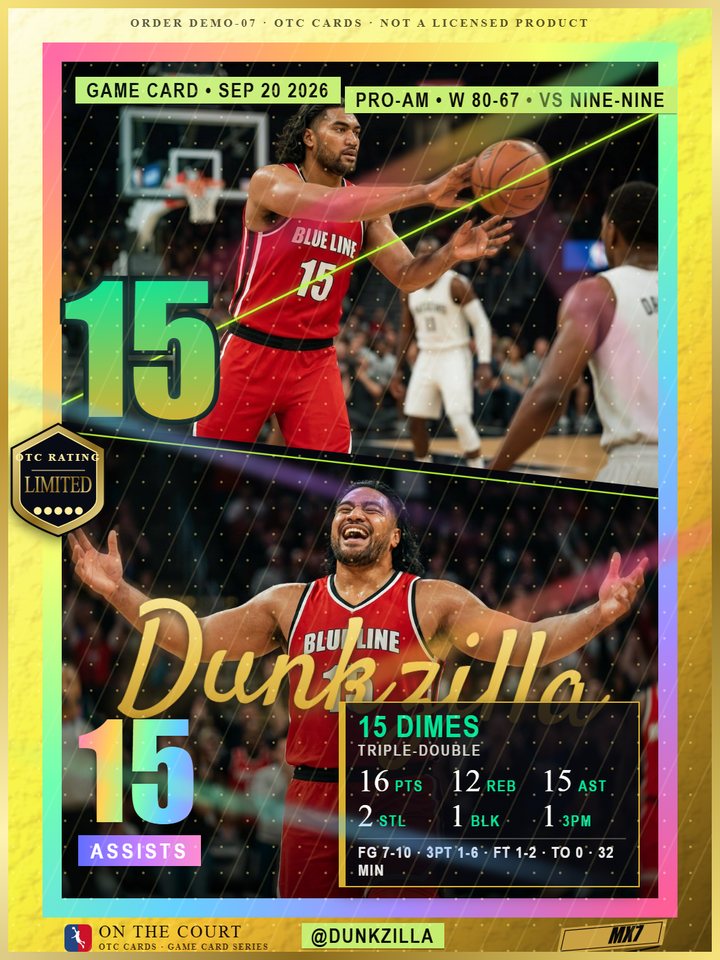
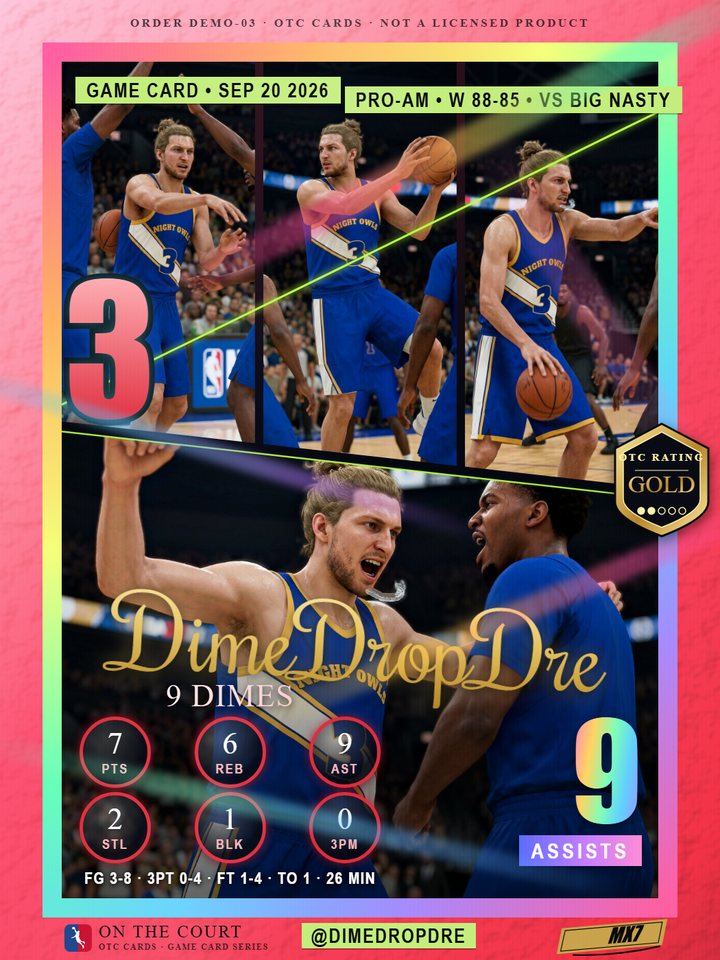
It is not only about your season — it is about your games, right now. Upload the box score from any game and that one night becomes a numbered card, with the stats from the game on it. Then you rip the pack to see what you pulled.
Built from one game's box score
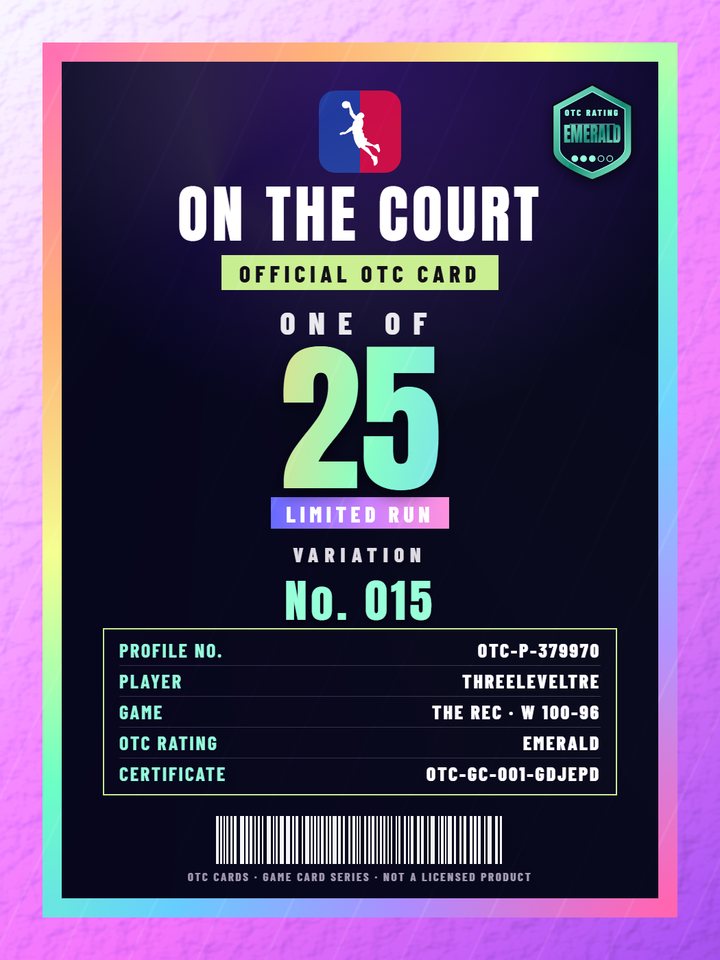
Numbered, with its own certificate you can look up
Pack-rip reveal — the rarity comes from your stat line
You don't pick the design. The look, the art and the layout are a surprise — that is the point of ripping the pack. Example cards on this site use made-up players and stat lines.
How it works
No design work on your end. Screenshots in, card out.
1
Upload your screenshots
Your 2K Card, season stats, and one clear shot of your player. Drag them all in at once.
2
We check it by hand
We read your stats, then a person verifies every number. Nothing is sent until it's right.
3
It lands in your inbox
Approved cards are emailed as high-resolution PNG files, front and back.
Every card is built from your season
Real layouts, real numbers. These are actual cards, not mockups.
Screenshots Grab these from MyCAREER — three required, three optional
2K CardRequiredOverall, build, height and weightSeason statsRequiredPoints, rebounds, assists, win %Your playerRequiredFull body, standing — this gets cut outAttributesOptionalThe ratings barsBadgesOptionalBadge count and your top badgesV.I.P. statsOptionalPer-mode records and averages
Not sure where to find these in the game?
Finding the 2K Card screen
From the main menu, open the MyCAREER tab along the top.
Across the top of that page you'll see My Performance · V.I.P. Stats · 2K Card. Open 2K Card.
Press L2 / R2 (LB / RB on Xbox) to flip through the pages: Attributes, Badges, Stats, Shot Chart, Signature Moves. Grab a shot of each one you want on your card.
Back out one level and open V.I.P. Stats for your per-mode records.
Getting a clean shot of your player
Head into The City, the Theater, or any lobby where you're standing still.
Step away from other players and face the camera so your whole body is visible, head to shoes.
Take the screenshot there — the busier background is fine, we cut you out automatically.
Taking and sending the screenshots
PlayStation: press the Create button. Xbox: press the Share button. PC: Windows key + G, or your usual capture key.
Upload them from your phone or console gallery — PNG or JPG, straight from the console is best.
Don't crop or resize them. Full-screen captures read most reliably.
📸
Drop screenshots hereor click to browse · PNG or JPG · up to 12 files
Your card
Season CardBuilt from your MyCAREER screenshots. You don't pick the design — how it looks is a surprise. Want one game instead? Make a game card.
Your details
One free card per email per day. We only use it to send your card.
Team Optional — plays under the Walk Em' Down league on your card
FreeFree · Season Card
Questions
Is it really free?
Yes. 10 cards a day, one per email, no catch. This is an open source project — no payments, no fees.
Which screenshots should I send?
Three are required: your 2K Card, your season stats, and one full-body shot of your player. Attributes, badges and V.I.P. stats are optional and make the card richer. The booth shows an example of each, with directions to every screen.
Where is the 2K Card screen?
Main menu → MyCAREER tab. Along the top you'll see My Performance · V.I.P. Stats · 2K Card. Open 2K Card, then use L2 / R2 (LB / RB on Xbox) to flip between Attributes, Badges, Stats, Shot Chart and Signature Moves.
Why does it need reviewing?
Reading stats off screenshots gets things wrong sometimes. A wrong number on something you keep is not acceptable, so a person checks every card before it's sent. That's also why cards take a little while.
Do I get something physical?
Not right now — every card here is a digital file: high-resolution PNGs, front and back, emailed to you and print-ready if you want to take it to a printer yourself.
Is this an official NBA or 2K product?
No. This is a personal keepsake made from your own screenshots and your own stats. We are not affiliated with the NBA, any team, or any game publisher.